Of all of them, Google has had the biggest opportunity to make these AI capabilities in browsers mainstream. Especially due to its global market share of over 60% of browsers. Over 3 billion plus users.
The other major potential player is of course Apple with its Safari browsers on desktop and mobile, with at least a quarter or more of the global market. But they’ve held their cards close to the vest. As in their habit.
Well, Google is making its next move with Ai features in its Chrome browsers, with some thing called ‘Skills’. They’re of course ‘AI Powered’, using Google Gemini.
“The premade Skills available through the Gemini sidebar in Chrome include ways to maximize protein in recipes or summarize YouTube videos.”
“Google Chrome just got another generative AI feature: Skills. Skills are repeatable AI prompts you can run in Chrome with a keyboard shortcut. Add it to the laundry list of AI tools Google has been injecting into all of its software.”
“You can set up your own Skill using Gemini, Google’s chatbot, through the Chrome browser, or you can choose from the premade Skills Google released alongside this feature. The more than 50 presets in the Skills library cover a range of prompts that instruct Gemini to summarize YouTube videos, maximize your protein intake via recipe substitutions, or evaluate job listings.”
“If you want to try out Skills, open up the Gemini in Chrome sidebar by clicking on the “Ask Gemini”sparkle icon in the upper-right corner of the screen. Then, type a forward slash in the prompt box to pick which Skill you would like to run. After you select one, Gemini analyzes the information from the browser tabs you’ve shared, within the parameters of the details laid out in the Skill.”
It’s early days for these features, with initial glitches. Usable across Google and third party apps:
“From my experience testing generative AI features in different browsers, I wouldn’t be surprised if these tools were a bit glitchy at launch and gradually improved over the next few months. It’s also easy to imagine this kind of browser tool catching on with productivity nerds looking to streamline workflows and save clicks. Even so, Skills seems like the kind of AI feature most Chrome users probably won’t even realize is an option as they’re browsing the web.”
There are other ways to use these Gemini AI features beyond ‘Skills’:
“Users who aren’t interested in this feature but still want to use Chrome have the option of removing the Ask Gemini button by going into their Settings and opening the AI Innovations tab. Then, open the Gemini in Chrome section and make sure that the top toggle on that page is turned off. When this setting is toggled off, the Ask Gemini button disappears from the top of the Chrome browser.”
Google has been expanding Gemini AI capabilities in the Chrome browser for some time now:
“Google’s rework of its Chrome browser for the AI era intensified earlier this year with the addition of Gemini in the Chrome sidebar, pitched as an always-present assistant sitting on the right side of your screen, ready to answer questions about what you’re seeing on the web. The company has also experimented with how generative AI can take control of Chrome to click and browse the web on a user’s behalf.”
And as descbied above, there are others with competing offerings:
“Google is not alone in its attempts to make AI prompts more easily repeatable for users. The Opera Neon browser, a smaller Chrome competitor based in Norway, has a similar tool, called Cards, where users can reuse their own prompts or pick from a preset library. Some of the most popular options available on Opera Neon include tools for prioritizing tasks, planning movie nights, and scheduling cheap travel.”
The whole piece provides addtional examples and details of these new AI capabilities.
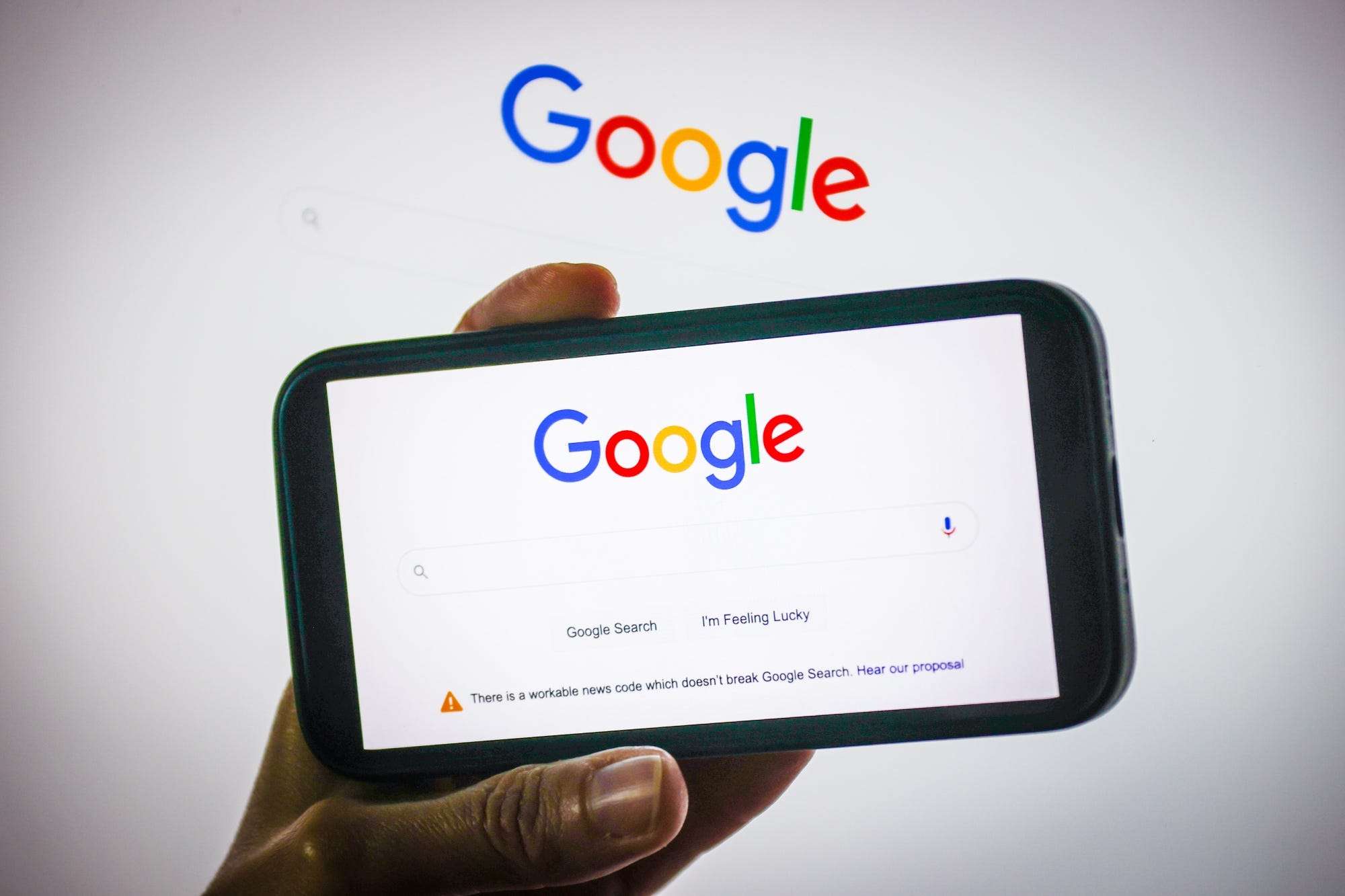
Google is also extending its Gemini AI powered Searach into Windows devices, with a new app that provides Google AI global and local search on Windows computers.
“After testing got underway in September, the “Google app for desktop” is now launching for “Windows users globally in English.”
“This app is intended to bring the “best of Google Search right to your desktop.” The Alt + Space keyboard shortcut opens a Search box for the web, Google Drive and local files, and installed apps. Those last two aspects make for a very Mac Spotlight-like experience.”
“Web search includes AI Mode, with the ability to invoke Google Lens for a specific search, translate text/images, get homework help, and more.”
“There’s also the ability to share your entire screen or a specific window to ask contextual questions.”
“Results open in a floating window with the ability to ask follow-up prompts. The UI is very much aligned with the mobile Search experience.”
The new app is being rolled out globally with Apple Mac versions possible down the road:
“The Google app is now available on Windows 10+ in English around the world after previously requiring Google Labs sign-up. You can download from: search.google/google-app/desktop.”
“Google is framing the application as a continuation of the mobile clients that phone users are already familiar with. There’s no word on macOS, but the Gemini team is working on such an application. The company rarely makes consumer desktop apps, and instead favors the browser with Progressive Web Apps. This Google app joins Google Drive for desktop, Quick Share, Google Play Games, and Chrome.”
These Google AI initiatives reinforce its commitment to drive Gemini AI across billions of users, leveraging the direct and indirect distribution advantage it has vs its peers.
Good morning. Before I get started…happy birthday Max Lindzon. Max turned 25 this morning and that is a big number. His zest for life is incredible....
Podcasts Ashley Quamme talks with Neil Bage, co-founder of Shaping Wealth, about adviser burnout. (open.spotify.com) Ben Carlson talks with Christine...
Markets How major asset classes performed in January 2026. (capitalspectator.com) What’s going on with the dollar? (ritholtz.com) Prediction markets...